Code in the Sandbox
Write and run your own code, outside of a lesson, in the language you choose.
The Sandbox is a code panel without a lesson, for trying out your own ideas.
- In the sidebar, select Sandbox.
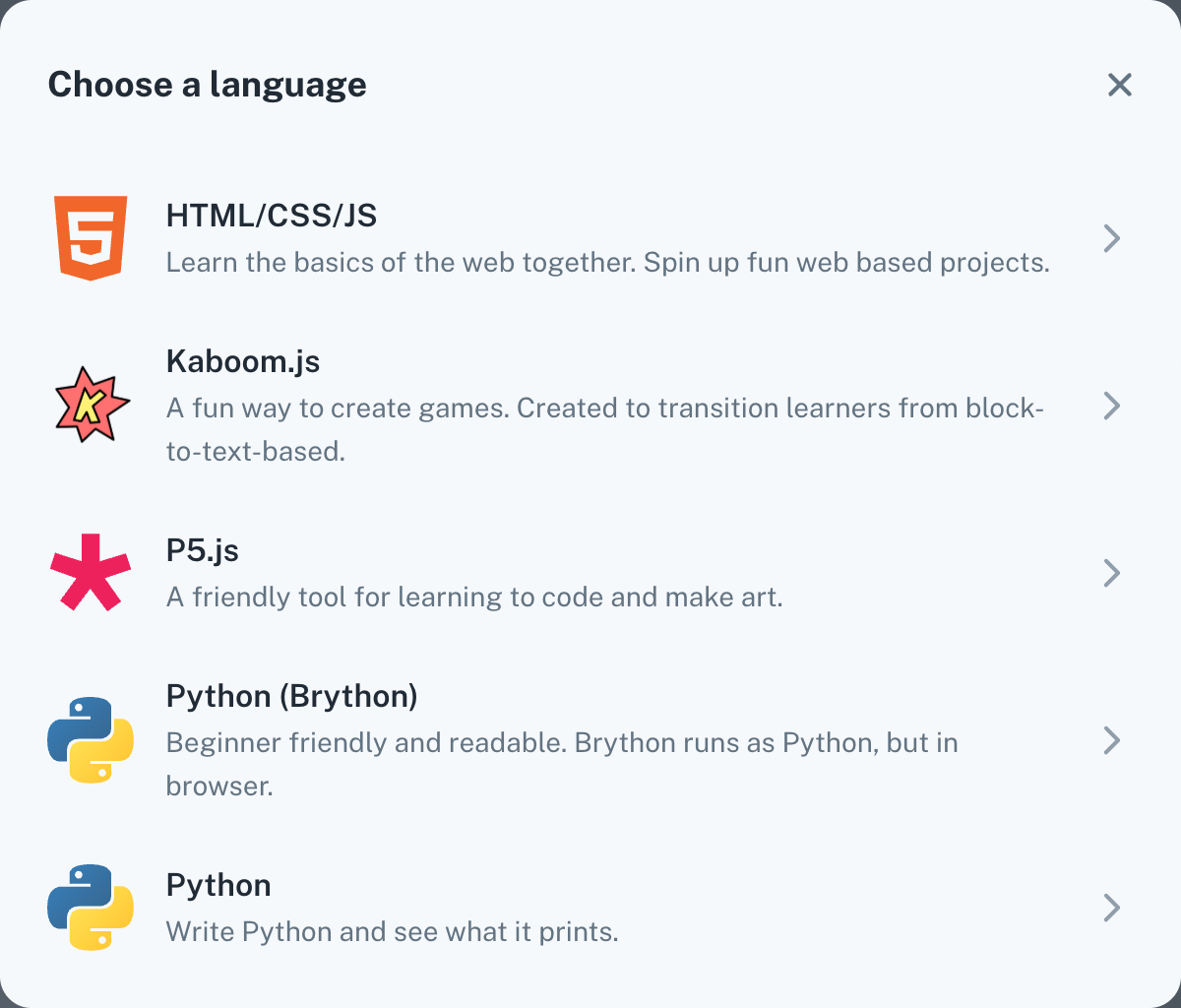
- Under Choose a language, select a language: HTML/CSS/JS, Kaboom.js, P5.js, Python (Brython) or Python.
- The Sandbox opens with some starter code. Change it in the editor. The left side is for your own notes. On a phone, the Sandbox opens on the code, and the Notes tab holds your notes.
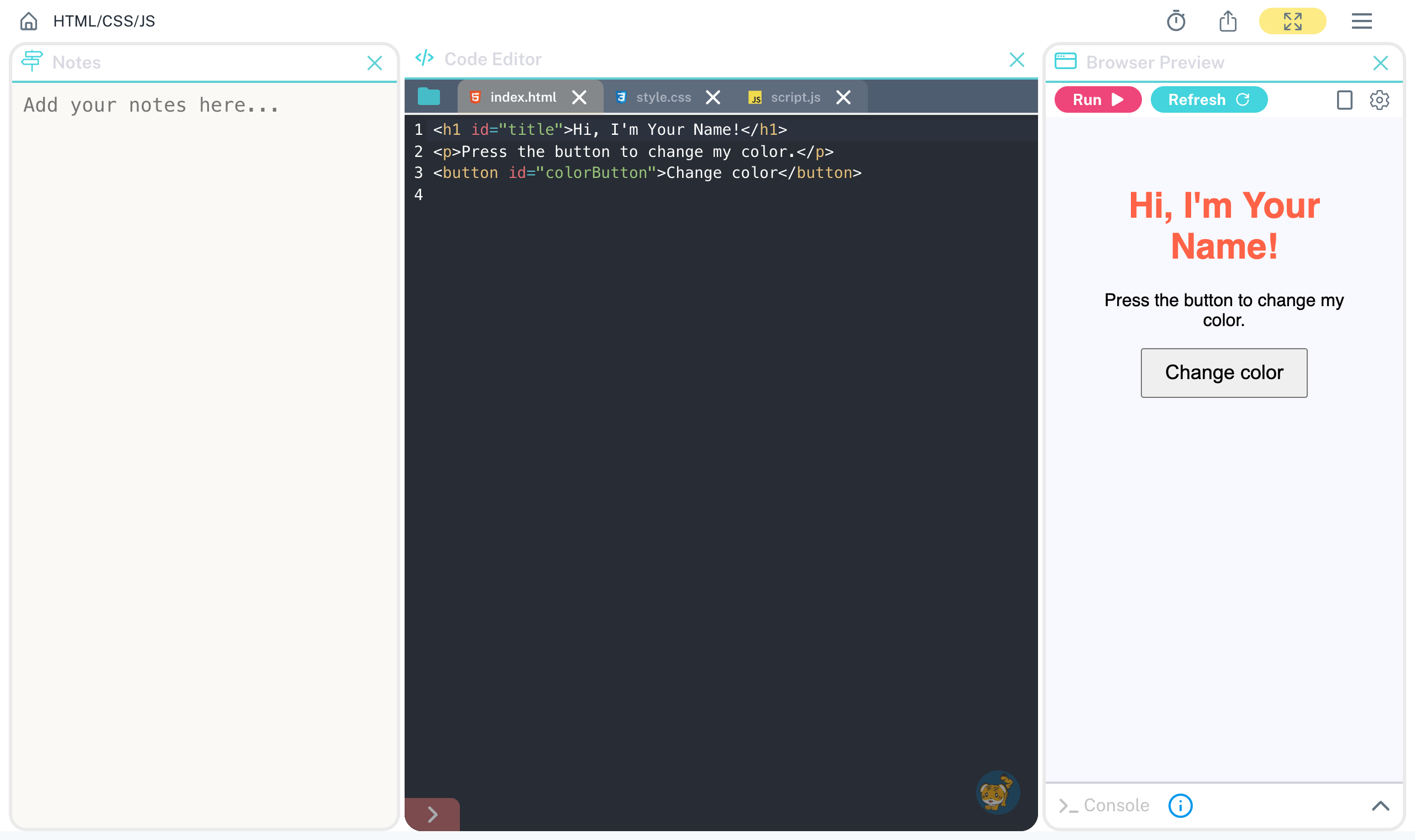
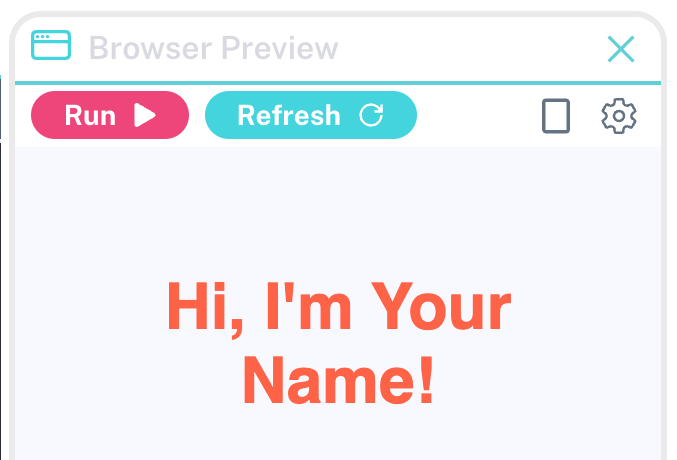
- Select Run to see the result. Refresh reloads the result.
Your code is still there the next time you open the same language: in your account when you're signed in, or in this browser when you aren't. To share an HTML/CSS/JS page, save it to your Gallery.