Join your class
Join your teacher's class, called a Tribe, with an invite link, a join code or an invite in your bell, invite your friends, and leave a Tribe you no longer need.
On CodeTribe, a class is called a Tribe. Your teacher gives you an invite link or a join code, or invites you, and the invite shows in your bell. Once you've joined, your Tribe shows in the sidebar, under TRIBES.
Join with an invite link
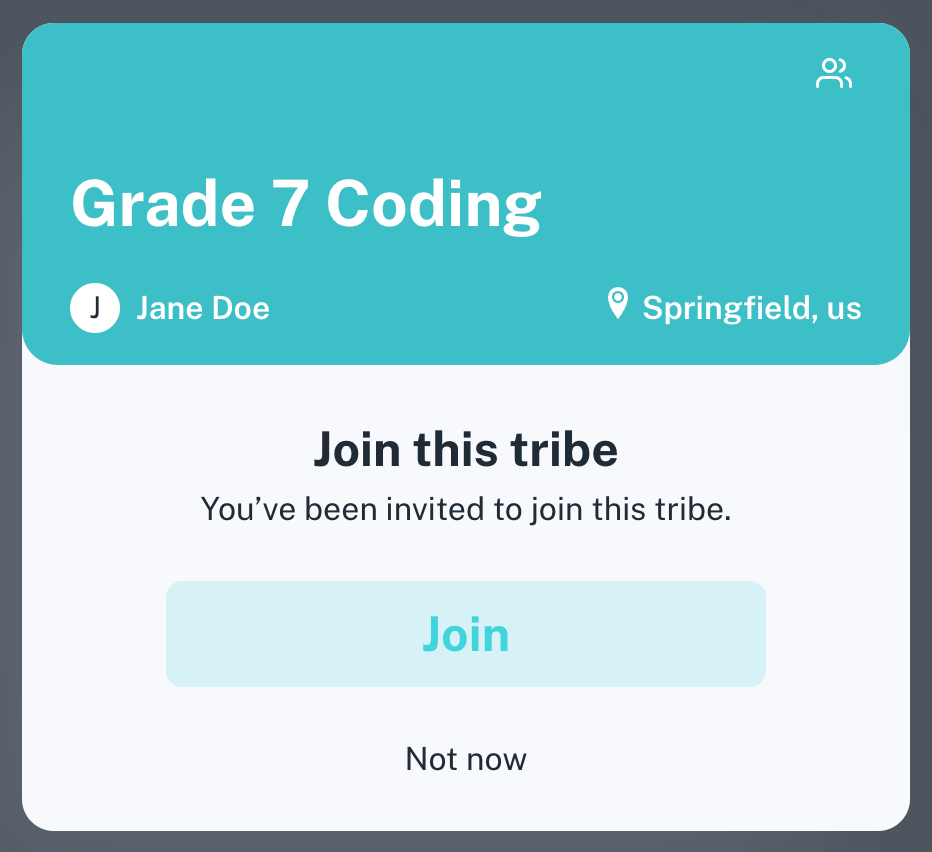
- Open the invite link your teacher sent you. Sign up from the link, or select LOGIN and sign in if you already have an account. Either way, you join the Tribe at the same time.
- If you were already signed in, select Join on Join this tribe.
- When CodeTribe says You have been added to the tribe, select Awesome. Thanks!. Your Tribe opens.
Join with a join code
- In the sidebar, under TRIBES, select +, then Join a tribe.
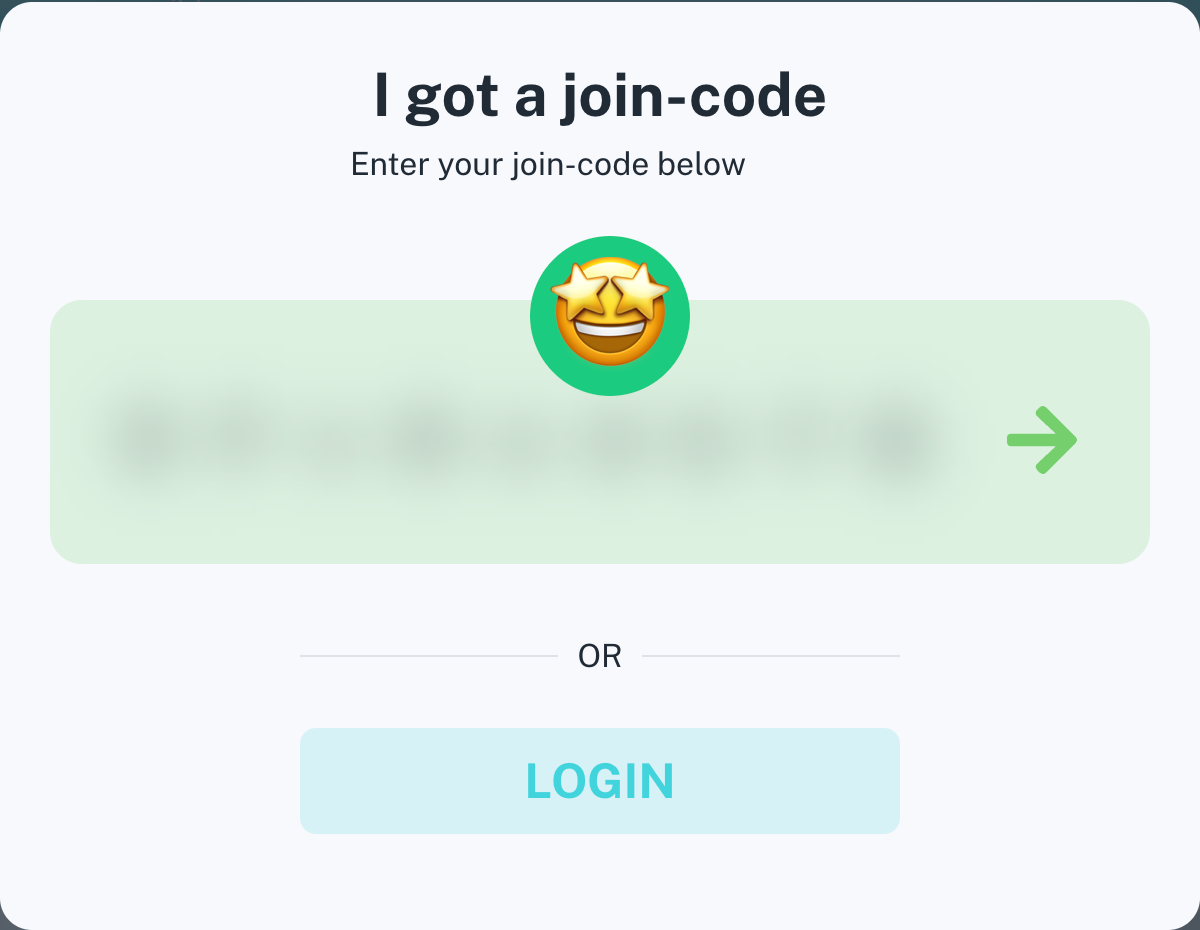
- Under I got a join-code, type the code your teacher gave you. The box turns green when the code is right.
- Select the arrow to join the Tribe.
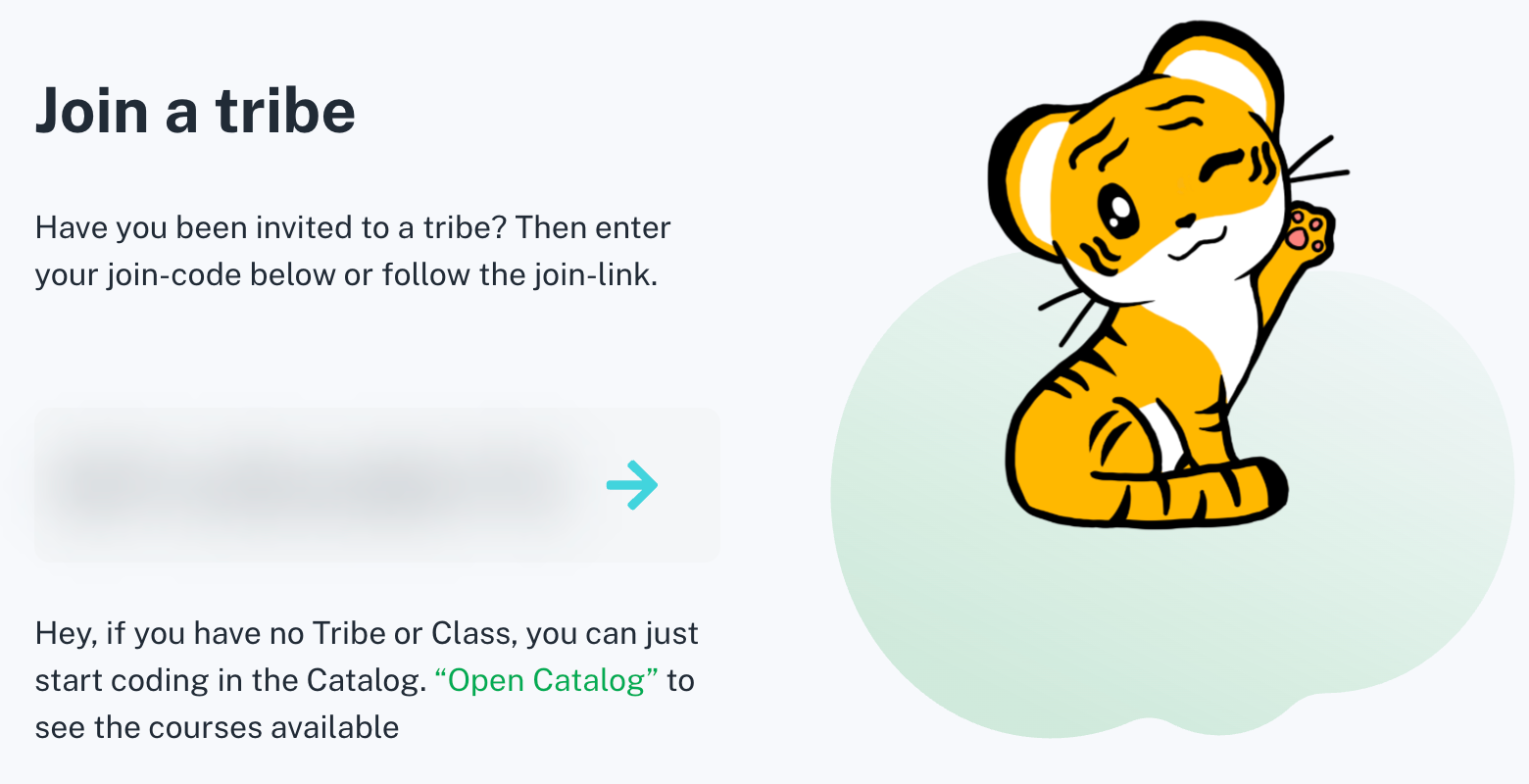
If you're not in a Tribe yet, CodeTribe shows you the Join a tribe page. You can type the code there too, then select the arrow. Your Tribe opens.
If your teacher approves new members first, you can open the Tribe once they've approved you.
Join from an invite in your bell
When a teacher or a classmate invites you to a Tribe, the invite waits in your bell, at the top right of the page. A small blue number on the bell shows how many things are waiting for you.
- Select the bell. The invite says who invited you, the Tribe and its school.
- Select Join. If a teacher invited you, you join straight away and the Tribe opens. If a classmate invited you and the teacher approves new members first, CodeTribe says Please wait for the teacher to approve your invitation.
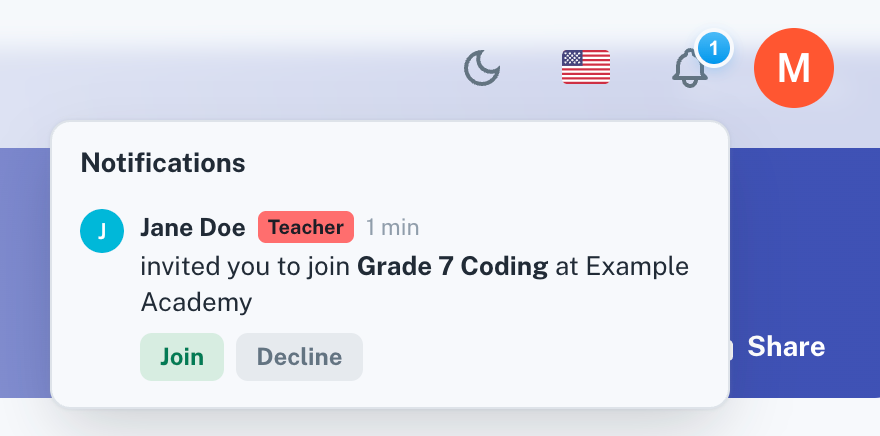
To say no, select Decline. The invite goes away.
When your teacher adds you to a Tribe, your bell tells you too. Select OK to clear it.
Open your Tribe
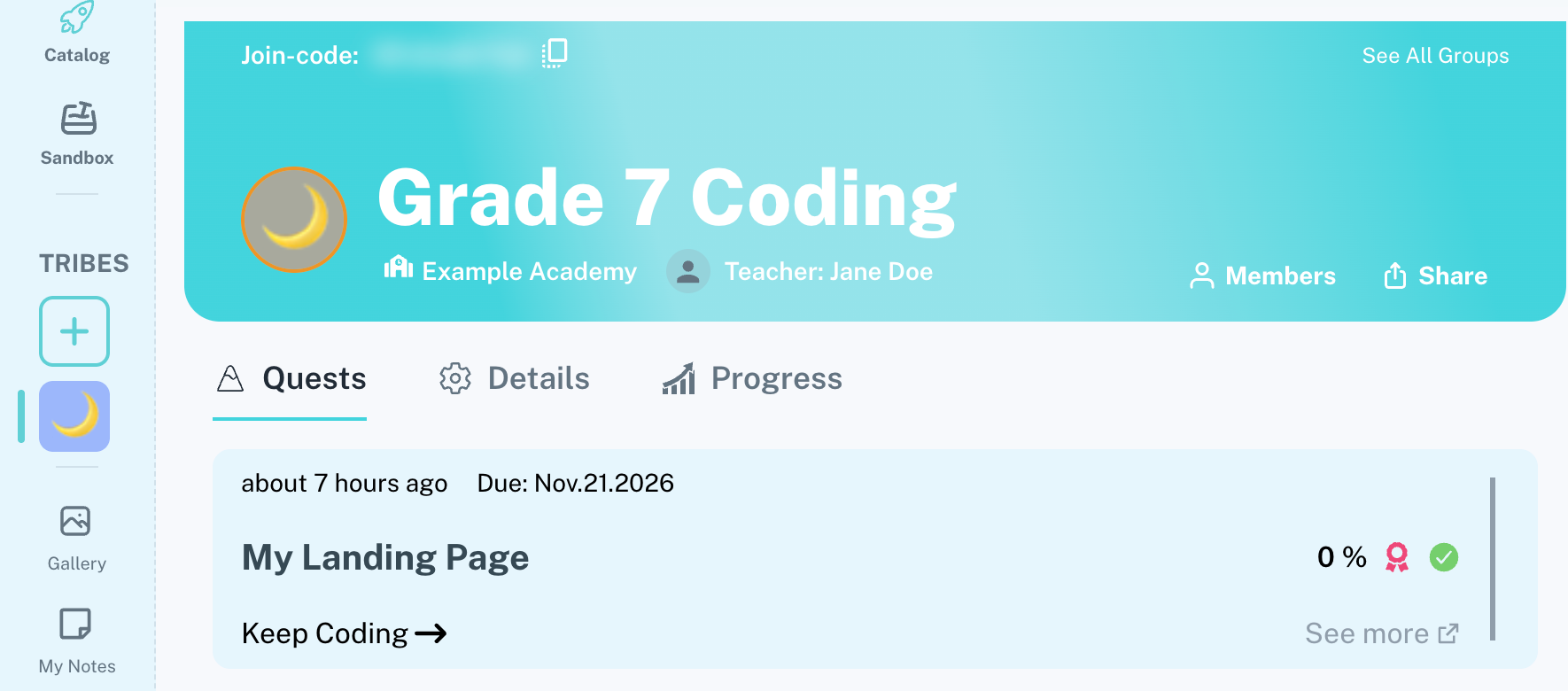
In the sidebar, under TRIBES, select your Tribe's picture. Its page shows your Quests, and the Tribe's teacher and school. If you're in more than one Tribe, each one has its own picture there.
Invite a friend to your Tribe
You can invite a friend to a Tribe you're in, when its teacher lets members invite.
- In the code panel, select the menu at the top right, then Invite Friends.
- If you can invite to more than one Tribe, pick one in Tribe.
- Type your friend's email in Friend's email, then select Invite. CodeTribe says Invite sent.
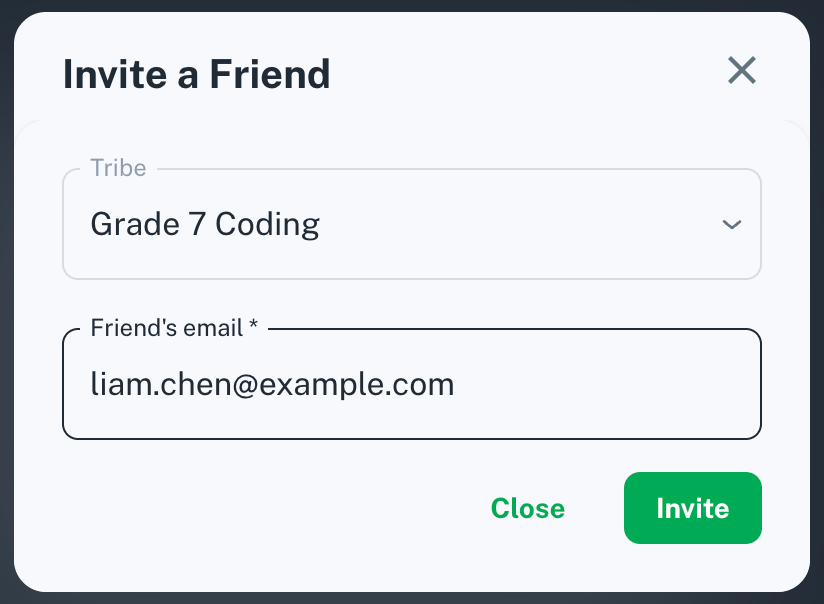
If your friend has an account, the invite waits in their bell. If not, they get an email with a link to join the Tribe. You can send 10 invites a day.
If the box says You can invite friends once you're in a tribe that lets members invite., ask your teacher to turn on Members can invite for your Tribe.
Leave a Tribe
You can leave a Coding Club, Remote Cohort or Hang-out, but not a Classroom.
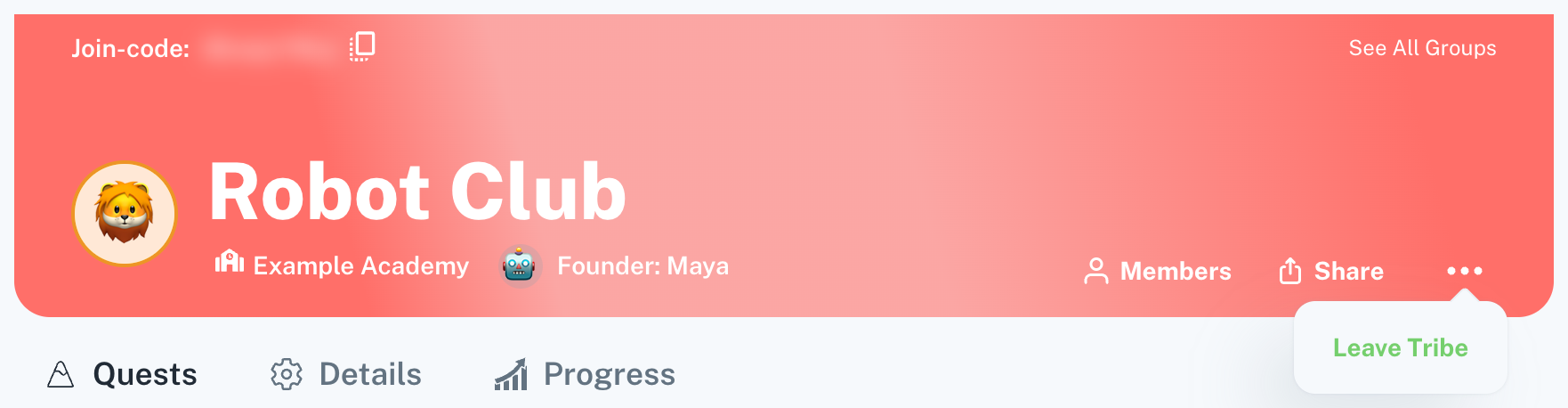
- Open the Tribe, then select ••• at the top right of its banner.
- Select Leave Tribe, then Leave.